Product photo dimensions: which format for which channel?
Marcel Timmerman · Published 8 augustus 2026 · Last updated 25 September 2026
Every sales channel has its own image format: your own webshop usually wants portrait 3:4 or 4:5, Amazon and bol need room for the zoom function, Zalando works with 1:1.44, and Instagram uses 4:5 or 9:16. If you only find this out while uploading, you end up cropping your product to bits. This article lays out the formats — and shows you how to get every variant from a single image.
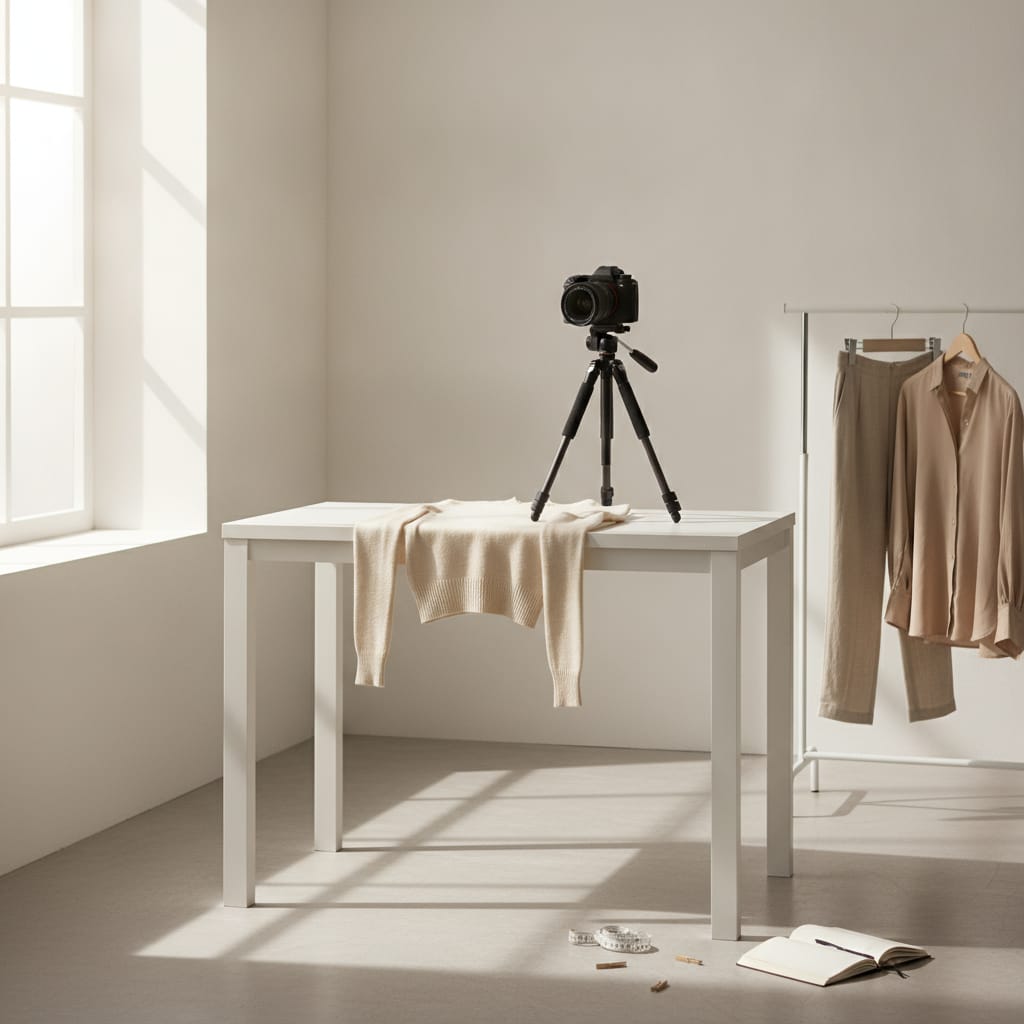
Product photo formats and ratios per channel
- The aspect ratio differs per channel: portrait 3:4/4:5 for your own shop and social, 1:1.44 for Zalando, and landscape-cropped thumbnails for Etsy.
- For the zoom function on marketplaces, aim for at least 1,600 pixels on the longest side — zoom demonstrably boosts conversion.
- File size matters: compress to a few hundred kilobytes per image, or you'll pay in load time what you gained in quality.
- Work from one high-resolution master image and crop per channel — never the other way around.
- The most common mistake is cropping that cuts off part of the product: leave space around the product when shooting.
The ratios per channel, at a glance
For your own webshop, portrait orientation is the standard for fashion: 3:4 or 4:5. Clothing is vertical — a portrait frame shows the full silhouette without wasted space. Square (1:1) works for overview pages and carousels, but a full-body shot quickly loses feet or head when cropped square.
Marketplaces each go their own way. Amazon wants the main image on pure white with the product large in the frame and enough pixels for the zoom function. Zalando works with a portrait ratio of 1:1.44 on a neutral (specifically not pure white) background. Etsy shows a landscape-cropped thumbnail of your first image in search results — a portrait photo loses its top and bottom there.
Social media has its own sizes: 4:5 for the Instagram feed, 9:16 for stories and reels, 1:1 for carousels. These aren't product photo formats but crops of your product photo — provided the source image leaves room for them.
The lesson here isn't that you need to shoot six times, but that your source image should be generous: high resolution, product centered, margin all around. Then every channel is just a crop away.
- Own shop: portrait 3:4 or 4:5
- Amazon/bol: pure white, product large, ≥ 1,600 px for zoom
- Zalando: portrait 1:1.44, neutral light background
- Etsy: first image gets cropped to landscape in search results
- Instagram: 4:5 feed · 9:16 stories · 1:1 carousel
Resolution: the zoom function is a salesperson
Marketplaces only activate their zoom function above a minimum resolution — on Amazon, that's roughly 1,600 pixels on the longest side. That's not a technical formality: clothing is bought on fabric and finish, and zoom is exactly how shoppers check that. An image below the zoom threshold demonstrably sells worse.
The same principle applies to your own webshop, without a hard cutoff: deliver images that can be zoomed into without falling apart into blocks. A width of 1,600 to 2,500 pixels is plenty for virtually any webshop.
More isn't always better: an image 6,000 pixels wide is useless on screen and murder on load time. Most webshop platforms scale it down automatically, but not all equally smartly — delivering at a sensible size remains the safest route.
Also mind the difference between resolution and sharpness. A blurry photo at 3,000 pixels stays blurry; zoom just makes it more visible. The source photo needs to be sharp — everything else is just scaling.
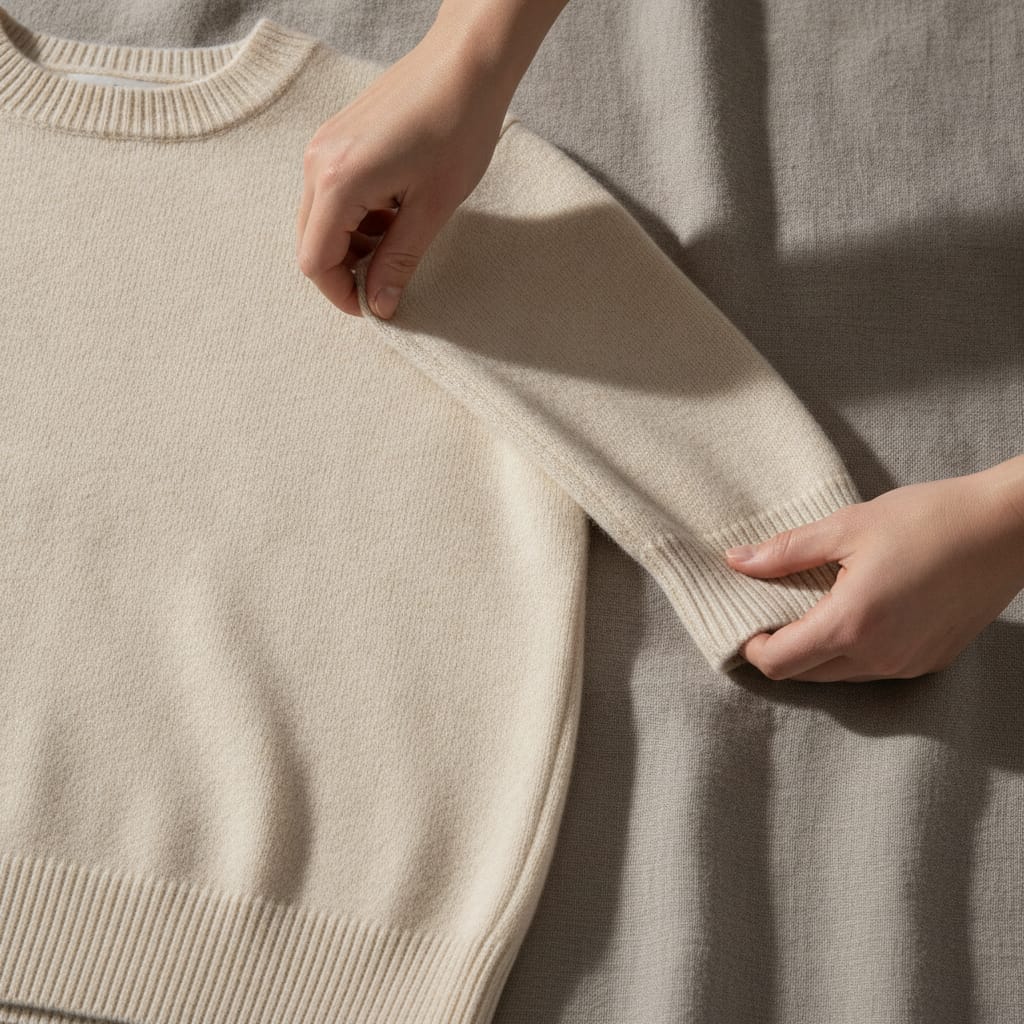
File size: quality nobody sees, load time everybody feels
There's a trade-off between image quality and file size that often gets misjudged. An uncompressed 8 MB JPEG looks exactly the same on screen as a well-compressed 400 KB one — but loads twenty times slower. On a product page with eight such images, visitors feel it, and whoever waits, leaves.
Modern formats like WebP deliver the same visible quality at a fraction of the bytes; most webshop platforms now convert uploads to it automatically. If you deliver images yourself, aim for a few hundred kilobytes per product image.
Compress once, straight from the master image. An image that's already been through three rounds of compression — exported, uploaded, downloaded, re-uploaded — picks up artifacts at every step. Keep the original and generate every channel variant from that.
And don't forget the file name: "blue-linen-dress-front.jpg" does more for your findability than "IMG_4821.jpg". For more on making your images findable, see optimizing product photo SEO.
One master image, every channel — no duplicate work
The approach that satisfies all these requirements at once is simple: create or generate one high-resolution master image with margin around the product, and crop per channel. Never the other way around — you can't pull a 9:16 story out of a tightly cropped square image.
The classic cropping mistake is cutting off part of the product: a portrait image cropped to square loses feet, a landscape Etsy thumbnail loses the head. For each channel, first decide where the product should sit in the frame, then crop.
At FashionPix, this is a button instead of an afternoon: every ratio — portrait frame, square, and story format — comes from the same image for free, because cropping is done through image editing rather than a new generation. Only when extra image area needs to be added (wider or taller than the photo itself) does it cost 2 credits.
That's how the format list above becomes what it should be: an output detail, not a photography assignment.
Frequently asked questions
What's the best format for product photos in my own webshop?
Portrait, 3:4 or 4:5, delivered at 1,600 to 2,500 pixels wide and compressed to a few hundred kilobytes. That shows clothing in full, supports zoom, and loads fast.
Why does the marketplace reject my photo because of its format?
Usually for one of three reasons: not enough pixels (zoom threshold not met), the wrong background for that platform, or the product too small in the frame. Check the specific platform's requirements — they differ more than you'd expect.
Can I use one photo for all channels?
One source image, yes — one file, no. Work from a generous master image and crop per channel to the right ratio. Nothing more can be pulled from an image that's already been tightly cropped.
Which file format is best: JPEG, PNG, or WebP?
For photos: JPEG or WebP. WebP is smaller at equal quality and is now widely supported. PNG is unnecessarily heavy for photos and only useful for transparency — for example, a cut-out pack shot.
Written with the help of AI and reviewed by Marcel Timmerman, founder of FashionPix.
Read more
- Packshot or lifestyle
- Reduce Returns
- Clothing Photos for Instagram
- Realistic AI Model Photos
- Productfoto's voor Etsy
- Productfoto's voor Zalando
- Product fotografie kleding
- Every format
- FashionPix — Product photos, video and copy for your fashion webshop
All formats from the same image?
Upload one photo and get the portrait frame, the white pack shot, and the social formats from the same set. Your first model photo is free, no account needed.