Clothing photos for Instagram: from product shot to content
Marcel Timmerman · Published 8 augustus 2026 · Last updated 25 September 2026
The images for your webshop and the images for your Instagram aren't the same thing — but that doesn't mean you need two separate shoots. With the right formats, a feed-friendly vibe and a bit of planning, one item gives you five posts. This article covers organic content; for paid campaigns, check out advertising on Facebook and Instagram.
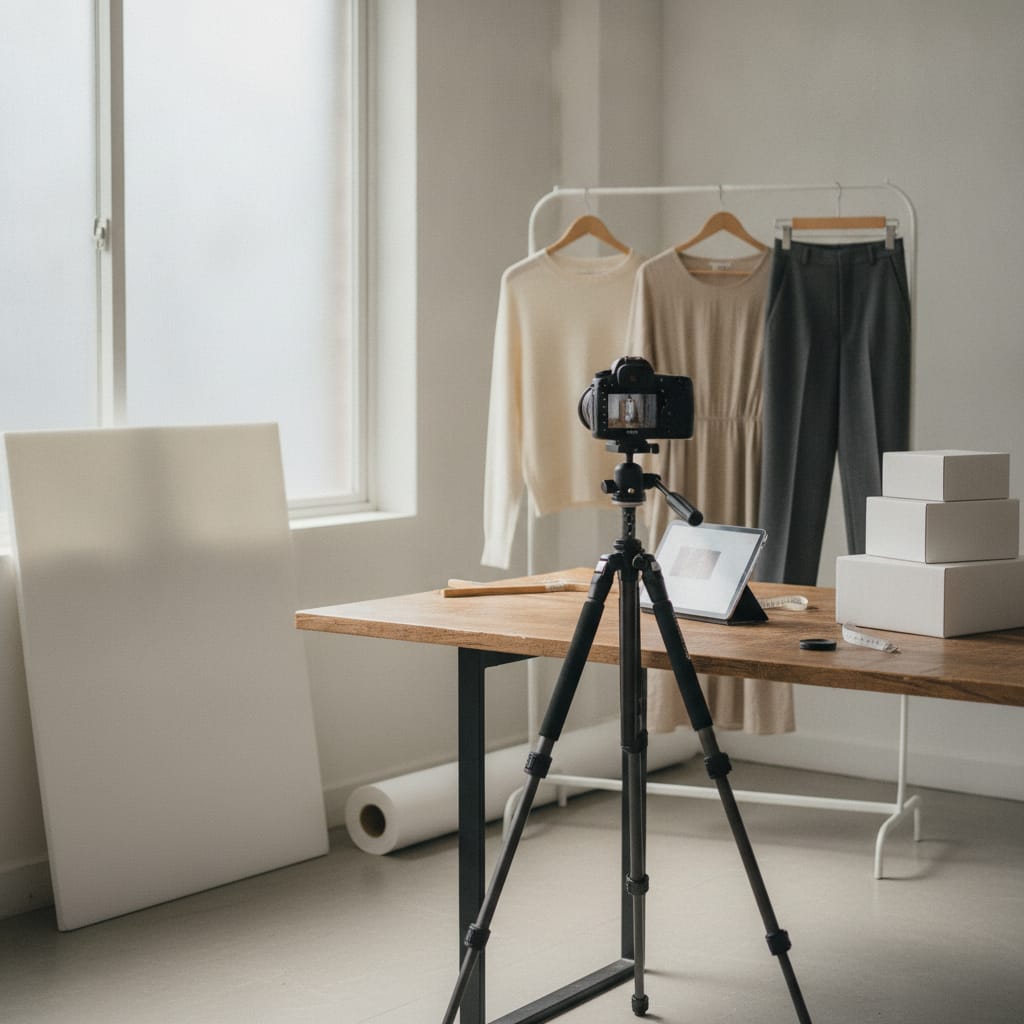
Turning your product shoot into Instagram content
- The formats: 4:5 for the feed, 9:16 for reels and stories, 1:1 for carousels — all cropped from the same wide source image.
- A white packshot flops in the feed: Instagram is a lifestyle space, and a catalog image reads as an ad.
- Lifestyle shots and model shots from your product shoot are genuine feed material — especially with a consistent model and consistent style.
- Short video (a loop, a detail zoom) consistently performs well, and with AI imagery costs just 1 credit per clip.
- With a bit of planning, one item gives you five posts: lifestyle shot, detail, before/after, video and carousel.
The formats: three frames, one source image
Instagram works with three formats: 4:5 (portrait) for feed posts, 9:16 for stories and reels, and 1:1 for carousels and your profile grid. The tricky part is the crop: an image framed for 4:5 doesn't just lose its sides in 9:16 — it needs to extend upward, and that's only possible if your source image has that space to give.
The approach is the same as with the formats for webshops and marketplaces: one generous master image, then a crop per channel. If you generate your product images, this is easy — every ratio comes free from the same image, and it only costs something when you need extra image (like pulling a story frame out of a square shot).
For 9:16, watch the safe zone: Instagram's own interface sits over the bottom of your image, and your account name sits at the top. Keep the product in the middle band — a close-up on the garment works better there than a full-body shot that disappears behind the buttons.
And keep an eye on your grid: the profile overview shows everything as squares. A feed built from wildly different crops looks like a mess on your profile — the first thing a new follower sees.
- 4:5 feed · 9:16 reels and stories · 1:1 carousel and grid
- One wide source image, a crop per channel
- 9:16: keep the product centered, avoid interface zones
- The profile grid shows squares — check your feed as a whole
Why your webshop packshot flops in the feed
A clean product shot on white is exactly right for your webshop and exactly wrong for the feed. The feed is a lifestyle space: people scroll past vacations, friends and videos, and anything that reads as a catalog gets flagged as an ad and scrolled past. The white packshot is about as catalog-like as it gets.
What does work is context: the garment worn, in a setting, in light that sets a mood. That's exactly the lifestyle shot from your product shoot — the image that closes out your product page is the one that opens your feed post.
Consistency pulls double duty on Instagram. A recurring model and a consistent style make your feed recognizable among a hundred other fashion accounts — followers spot your posts by the face and the light before they even read the name. That's brand-building, literally, and it's free if you're already working with a fixed cast.
The packshot has one useful role in social: as a breather in a carousel ("swipe for the product shot") or in a story where you break down the item technically. As the opening image of a post, it's almost always the weakest choice.
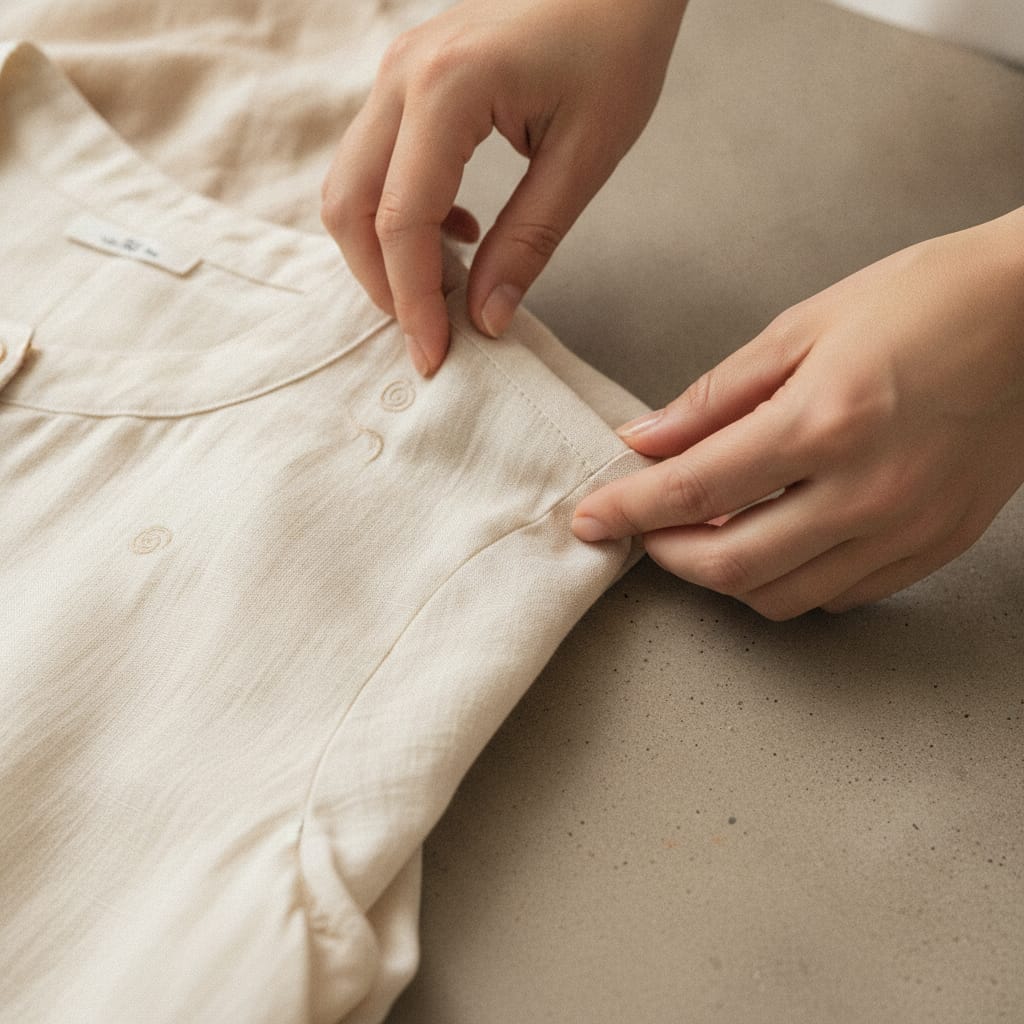
Video: the shortest route to reach
Instagram pushes video, and for clothing that's no punishment: movement shows drape, stretch and shine — the things clothing is all about and that a still can't capture. A five-second clip is enough; nobody in the feed watches a longer product video anyway.
Three clips that work well for fashion: the loop (the model turns or walks, the fabric moves), the detail zoom (from full body to fabric texture), and the before-and-after (from flat lay to worn shot — a format that turns the making process itself into content).
Classically, every clip meant hiring a videographer; with AI imagery, a 5-second product video costs 7 credits. That shifts the math from "video for the bestsellers" to "video for every item you post".
Practical tip: export video in 9:16 for reels and crop a 4:5 version for the feed. Same clip, two spots, zero extra work.
The content calendar: one item = five posts
The biggest social mistake webshops make isn't bad content but too little rhythm: three posts during launch week, then six weeks of silence. The fix isn't a bigger team — it's a fixed recipe per item.
One item shoot yields five posts: (1) the lifestyle shot as a feed post, (2) the detail photo with a material story, (3) the short video as a reel, (4) a carousel combining model and details, and (5) a story with a link to the product page. Five items a month gives you a daily presence — from images you already have.
Plan your calendar around your collection rhythm: new items get their series during launch week, bestsellers come back in fresh combinations. If you plan your collection shoot, plan the social series into the same document.
And measure the only question that matters: which posts drive clicks to the product page? Reach is nice, but a webshop account exists to sell — lifestyle shots build the brand, the story with the link drives the revenue.
- Fixed recipe: lifestyle · detail · reel · carousel · story-with-link
- Five items a month ≈ a daily presence
- Reuse bestsellers in fresh combinations
- Measure clicks to the product page, not reach
Frequently asked questions
What format should I use for Instagram posts of clothing?
4:5 for feed posts (portrait fills the screen), 9:16 for reels and stories, 1:1 for carousels. Create them as crops from one wide source image rather than starting from scratch for each format.
Can I just repost my webshop photos to Instagram?
The model shots and lifestyle shots, yes — the white packshot, better not. The feed is a lifestyle space; catalog images read as ads there. Use the lifestyle side of your product shoot and save the packshot for your webshop and marketplace listings.
How often should a clothing webshop post?
Rhythm beats volume: three to five posts a week, every week, does more than a flood of posts around a launch followed by silence. With the fixed recipe of five posts per item, that rhythm is achievable without extra shoots.
Does AI imagery work on Instagram — is that even allowed?
Yes, it's allowed; the machine-readable AI marker needs to be embedded in the file (automatic with FashionPix), and platforms are increasingly labeling AI images themselves. What matters more for your results: the image needs to show your actual product and carry your consistent style — then it does its job in the feed just like any other good image.
Written with the help of AI and reviewed by Marcel Timmerman, founder of FashionPix.
Read more
- Realistic AI Model Photos
- Plan a collection photoshoot
- Using Your Supplier's Photos
- Flat lay photography for clothing
- Productfoto’s met model zonder fotoshoot
- Product fotografie kleding
- Lifestyle & campaign
- FashionPix — Product photos, video and copy for your fashion webshop
A month of content from five items?
Lifestyle shot, detail, video and every format from the same upload — your webshop set is your content calendar. Your first model photo is free, no account needed.