Where it goes wrong in practice
Planning a photoshoot takes weeks
Booking a studio, finding models, coordinating dates: before you know it, two weeks have gone by and you still don't have a single photo. Meanwhile your collection sits in boxes, waiting for the photos it needs to actually sell. Add a sick model or a canceled studio booking, and the whole schedule slips another week. For a webshop launching a new line, that often means delaying the whole release, right when demand for the product is at its highest.
Hiring models is expensive and unpredictable
Finding a good model with the right size takes time and money. If it doesn't fit, you often only find out on shoot day itself, when it's too late to change anything. With a collection spanning multiple sizes, you frequently need to book several models, driving costs up even further. Sell plus sizes alongside standard sizes, for example, and you're quickly looking at double the casting work, and double the cost.
Starting over for every new seasonal collection
Every new line means starting the whole process from scratch again: booking again, paying again, waiting again. That makes switching quickly between collections nearly impossible. Want to respond to a trend within a few days, or restock a sold-out line? You'll quickly run into the wait times of a traditional photoshoot. Especially with seasonal items, like swimwear in spring or coats in autumn, that delay can be the difference between selling on time or missing the season entirely.
One photo is all it takes for professional clothing product photography
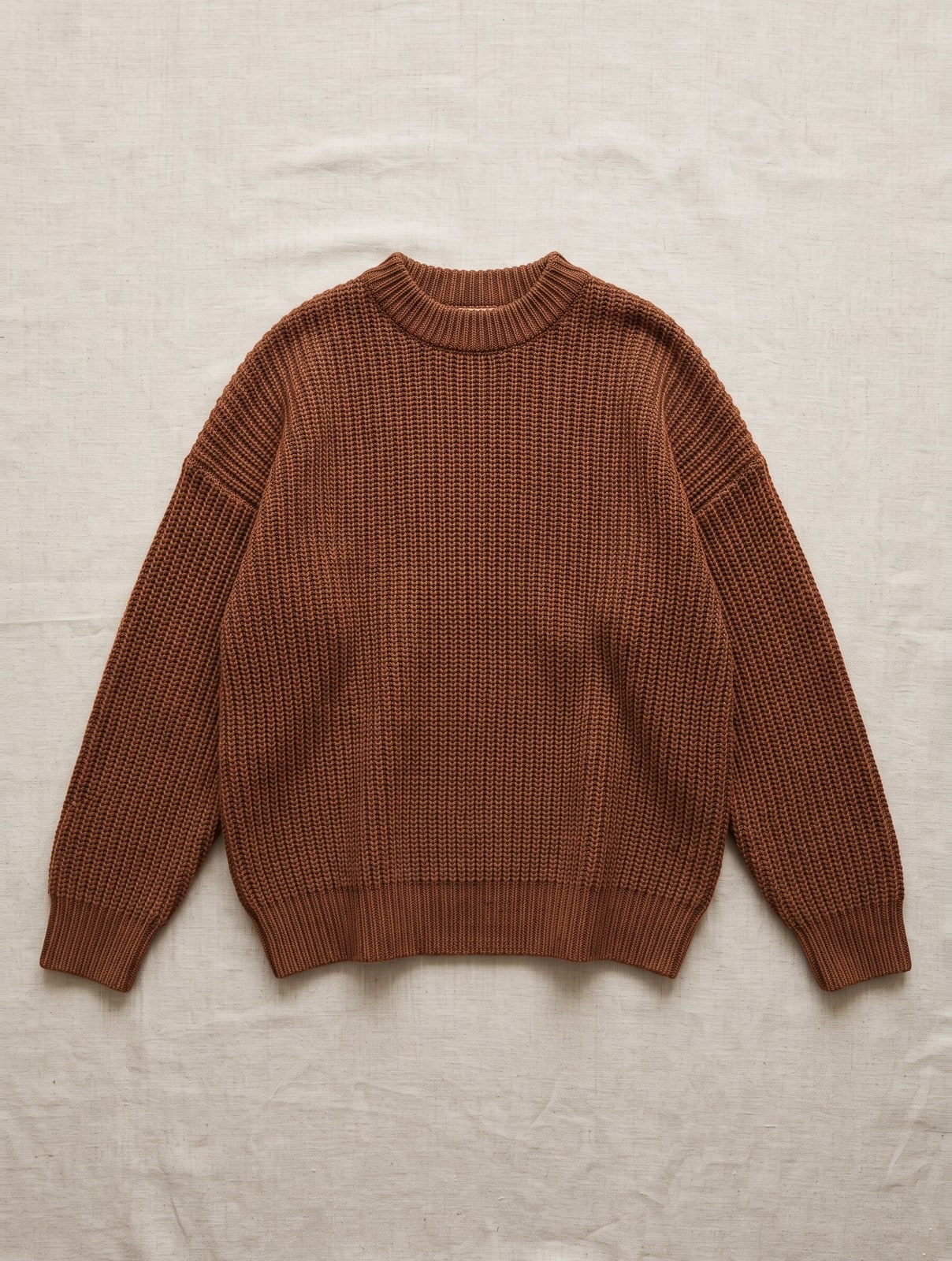
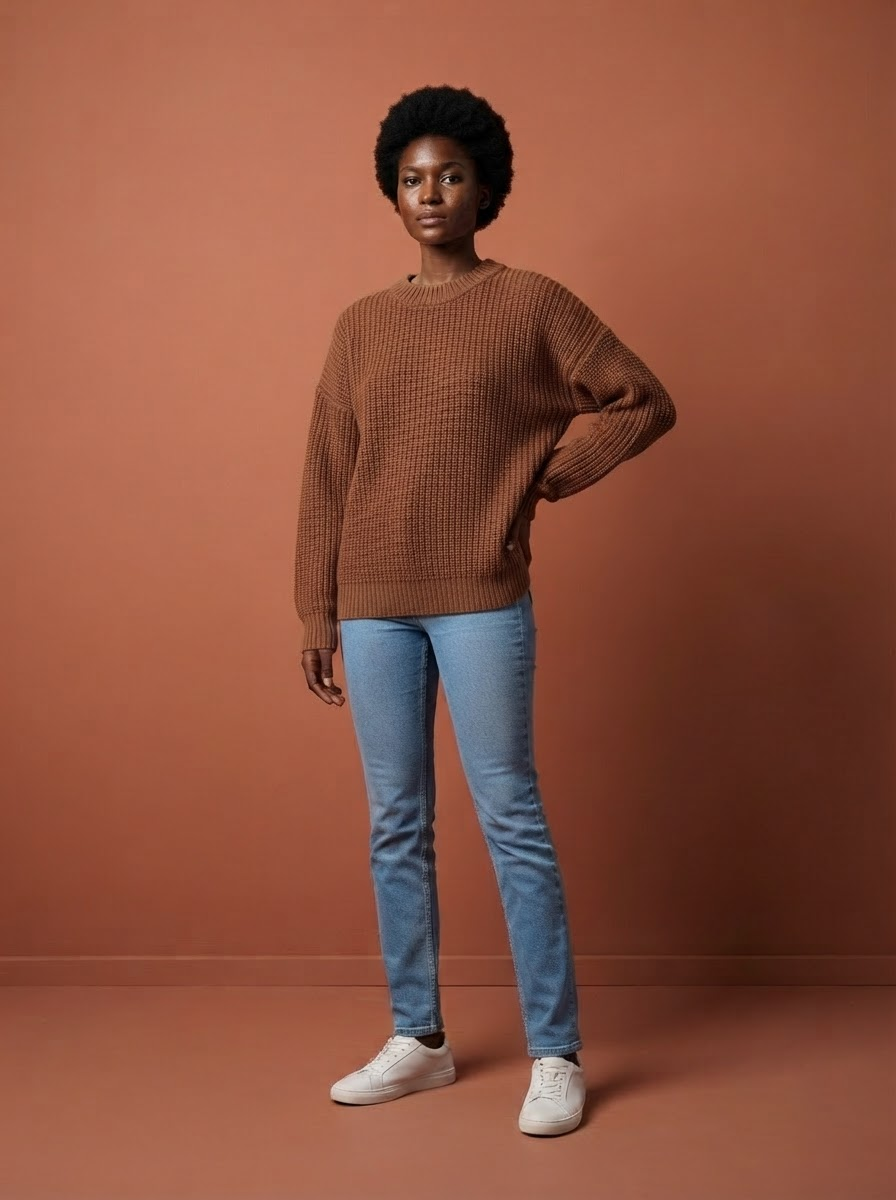
You don't ship anything to a studio and you don't hire a model. You take a photo of the garment yourself, upload it, and FashionPix transfers the real garment onto one of 40 house models. The pattern, color and fabric stay exactly as they are, nothing gets redrawn.
That means a striped blouse actually stays striped, with the same spacing between stripes and the same color shading as in your original photo. Selling a jacket with a specific button detail or stitching? You'll see that detail reflected in the final result. That way you don't have to guess whether the photos match what the customer actually receives, which also helps reduce returns.
This works just as well for smaller details customers often check before ordering, like sleeve length, how a skirt falls, or the contrast between two fabric colors. Because the real garment is transferred rather than redrawn, you see those details exactly as they are in real life. That's especially useful for items where color nuance matters, like bridal wear or occasion wear, where a customer wants to know exactly how a shade looks in reality.
- Pick a model that fits your audience, from kids to seniors
- Get alt text and size info included automatically for your webshop
- AI labeling compliant with the EU AI Act is built into the image
- Work on your product copy in four languages at once
- Your first model photo free, no strings attached
Why this works for every type of clothing
Whether you sell jeans, jackets or dresses, the process stays the same: upload one photo and pick a model. Selling trousers, for example? Read more about photographing women's jeans for tips specific to that category. This way you build a complete, consistent image library step by step, without booking a separate photographer for every garment.
Say you sell both oversized sweaters and fitted dresses: with a classic photoshoot, you'd need a different casting profile for each. With FashionPix, you simply pick the model that best shows off the silhouette, per item, with no extra cost or planning. Sell accessories like bags or jewelry alongside your clothing too? Same principle applies: one photo, one model, done. That keeps your entire webshop visually consistent, even as your range grows.
Take a webshop that starts with ten basic T-shirts and expands to thirty products within a few months, including jackets and accessories. With a traditional shoot, you'd need to book a whole team again each time. Here you just upload the new items, pick a matching model for each, and the entire addition is live within a day. That also makes it easier to respond quickly to what's selling well, without being tied to a shoot date scheduled later in the month.
In three steps
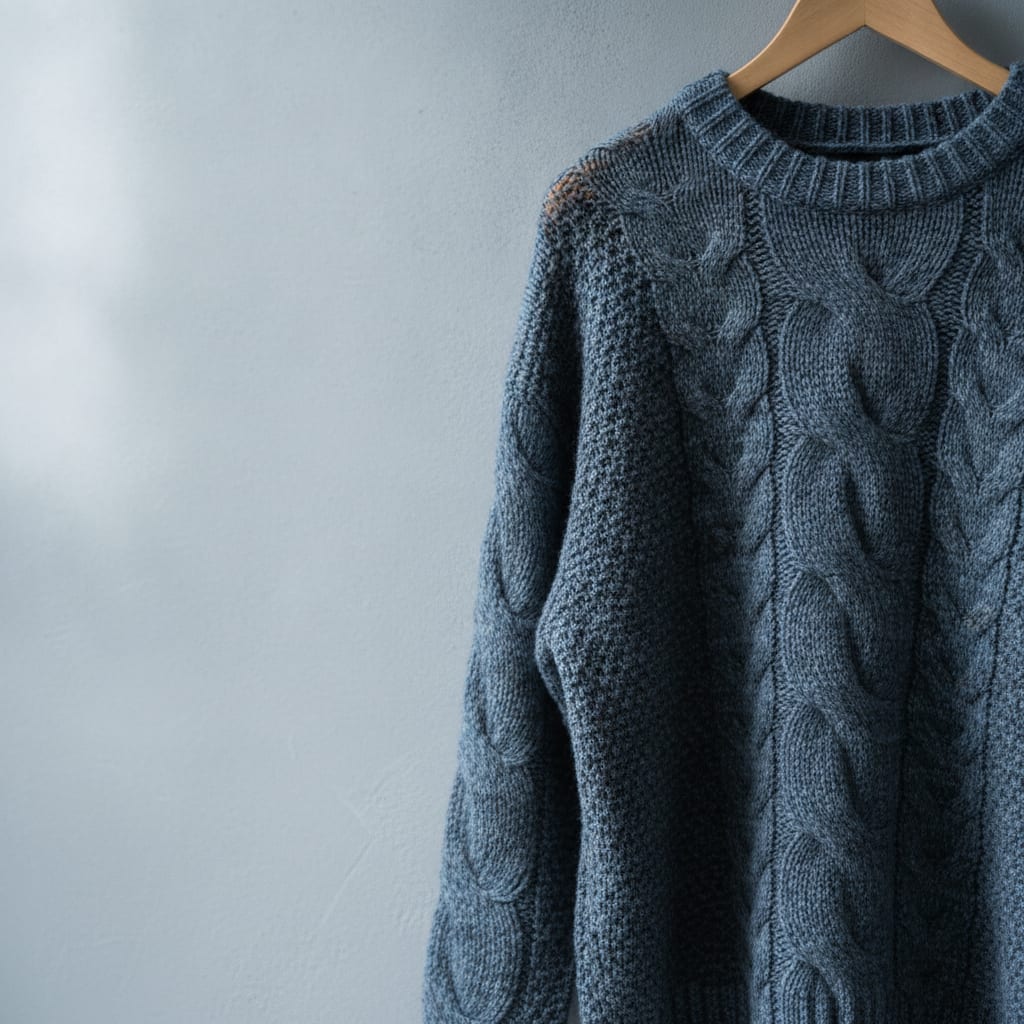
- Upload your photo. Take a clear photo of the garment, laid flat or on a hanger, and upload it to FashionPix. Use daylight and a plain background so the system captures color and fabric as accurately as possible. Ideally shoot the garment straight-on, without shadows that distort the shape, for the best starting point.
- Choose your model. Pick from 40 house models aged 4 to 64 to find who best fits your brand and target audience. Selling kids' clothing, for example? Choose a younger model; targeting an older audience? Pick a model that matches. Torn between two models? With the 12 free credits you get with a free account, try both and compare which one suits your brand best.
- Download your images. Within minutes you'll get the photos back, including alt text, size info and AI labeling, ready to upload to your webshop. No more cropping or editing needed, files are delivered at the right size for most platforms right away. Running your webshop in multiple languages? You'll get the product copy in four languages at once, so you don't need to translate separately.
Photoshoot or FashionPix
| Time | Days to weeks of planning and waiting | Ready within minutes |
| Cost per item | Often tens of euros per item | 5 credits per item |
| Models | Limited to who you can book | 40 models, pick instantly |
Frequently asked questions
Does this work for all types of clothing?
Yes, from coats to lingerie. For specific categories you'll find more detailed guidance, for example on photographing maternity wear. If you sell a mix of basics and statement pieces, you can simply pick a different model per item, without having to plan separate shoots for each. Sell hats or bags alongside your clothing too? Same approach applies: one photo per item, keeping your whole range visually consistent.
Do I need to ship the garment somewhere?
No, you don't send anything. You take the photo yourself and upload it, FashionPix handles the rest. A photo of the item on a hanger against a plain wall is enough, no need to invest in professional lighting or a backdrop. Ideally shoot during the day near a window, avoiding direct sunlight on the fabric, so color and texture come through as naturally as possible.
What does it cost per item?
A complete product listing with images and copy in four languages costs 5 credits. For a collection of 50 items that's 250 credits, about € 80 for images and copy combined, in four languages at once. Compare that to a traditional shoot, where you'll easily spend € 30 to € 50 per item on studio, model and styling, and the difference becomes obvious fast.
Can I try it for free first?
Yes, your first model photo is free, no account required. With a free account you then get 12 free credits — enough to see a pair of jeans or a blouse on several of the 40 models before you buy credits. For a broader overview of the process, check out photographing clothing for your webshop.
Read more
- Jewelry photography
- Clothing photography for your webshop
- Maternity Clothing Photography
- Modest fashion photography
- Moet je AI-foto’s melden? De AI Act uitgelegd
- Model photos
- FashionPix — Product photos, video and copy for your fashion webshop
Try it with your own item
Your first model photo is free, no account and no credit card. You keep it, even if you take nothing else.