Model photos of clothing without a model: how does it work?
FashionPix · Published 16 juni 2026 · Last updated 4 augustus 2026
Model photos of clothing without a model are possible thanks to AI technology that turns a regular product photo into a realistic image of a virtual model wearing the garment. No photo studio, no model booking, no photographer — just a good product photo as your starting point.
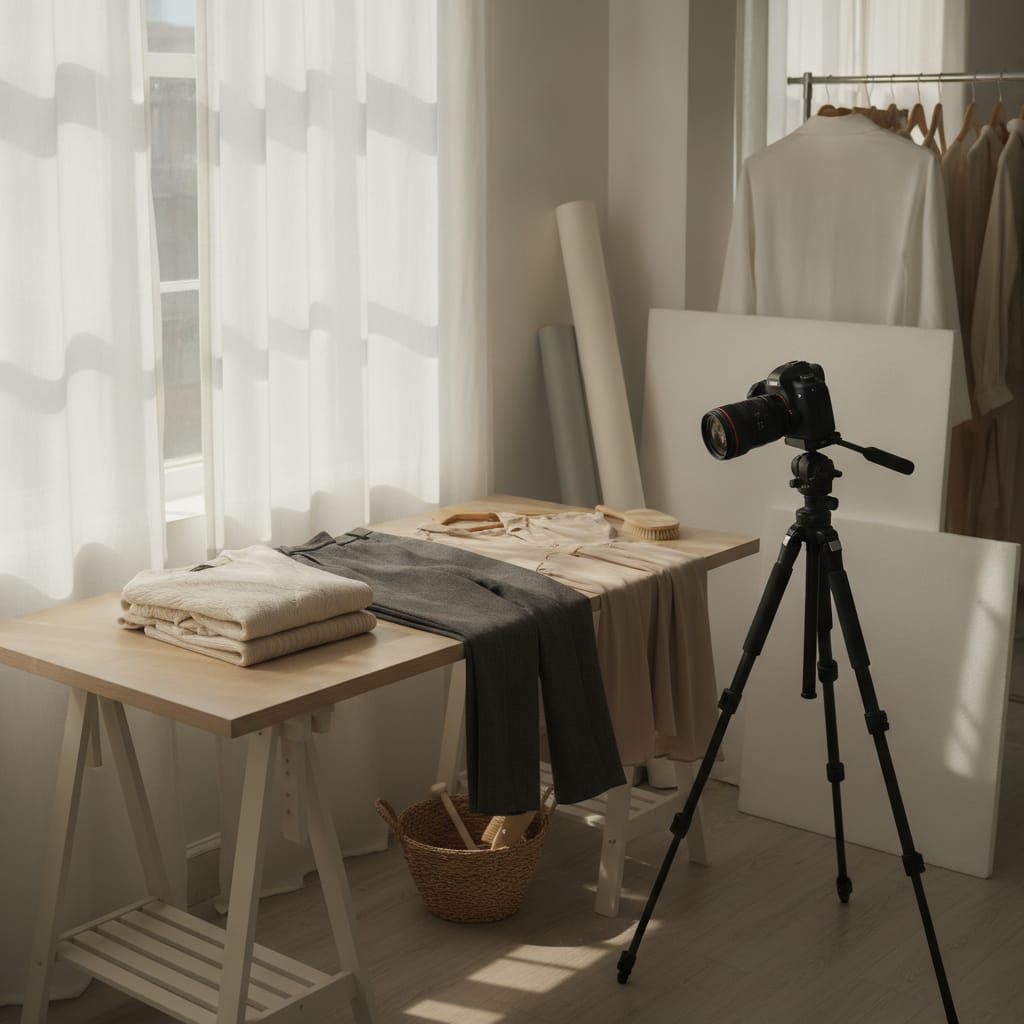
Model photos of clothing without a model: everything you need to know
- AI generates model photos of clothing without a model from a single product photo, including realistic draping and lighting.
- You save the time and cost that would normally go into planning a model shoot, renting a studio, and booking a model.
- AI-generated model photos are good enough for webshop product pages; for campaign imagery, a real shoot is still the standard.
- Showing the same garment on multiple virtual models makes diversity in your webshop easier and cheaper to achieve.
- A clean, well-lit product photo is the single biggest factor in getting a convincing final result.
How does AI turn a product photo into model photos of clothing without a model?
AI analyzes the shape, texture, and color of the garment in a product photo, then places it realistically on a virtual generated model. The technology accounts for lighting, draping, and perspective, so the result looks natural.
The process starts with what's called a ghost mannequin photo or a flat lay of the garment. The AI learns the product's contours: where the seams sit, how the fabric falls, and the proportion between front and back. See also ghost mannequin photos.
Based on that information, a virtual model is generated or selected that matches the garment in build and size. The AI dresses the model by draping the fabric realistically, including natural folds and shadows you'd also see in a real photo.
The lighting of the final result is matched to the background and the light already present in the product photo. That's what separates a believable model photo from an obviously fake one. Modern systems handle this automatically, but the quality of the input photo still makes the biggest difference.
FashionPix uses this kind of technology specifically for clothing webshops, delivering a final result that's ready to use on product pages without any further editing.
What are the advantages of clothing model photos without a model over a real shoot?
A model shoot requires planning, a location, a booked model, a photographer, and post-production. With AI-generated model photos of clothing without a model, you get the same end result in a fraction of the time, without the logistical headaches.
With a traditional shoot, you have to work around the availability of the model, the studio, and the photographer. If a garment arrives later in the season, that can mean weeks of waiting before the photos go live. With AI technology, you upload the product photo and get a usable result in a short amount of time.
Another advantage is scalability. If you have a collection of dozens or hundreds of products, organizing shoots for each individual item is simply not realistic for smaller webshops. Model photos of clothing without a model let you photograph large numbers of products consistently without the per-product cost getting out of hand.
Diversity is a third point. With a traditional shoot, you're limited to the model you booked. With virtual models, you can show the same garment on models with different body types, skin tones, and heights. That gives visitors to your webshop a more realistic sense of how a piece would look on them.
Finally, there's flexibility when it comes to changes. If you want to change the background afterward, try a different model pose, or use a different model, you don't need to reshoot. You just adjust the input and generate a new result.
- No planning costs for studio, model, and photographer
- Faster turnaround from product photo to online publication
- Easily scalable for large collections
- More diversity in model representation at no extra cost
- Flexible to adjust without a new shoot
How does the quality of AI model photos compare to traditional model photography?
The quality of model photos of clothing without a model has improved massively in recent years. For standard product pages, the result is in many cases indistinguishable from a real photo. For campaign imagery or editorial photography, a real shoot remains the standard for now.
A few years ago, AI-generated images of people were still clearly recognizable as fake: hands with too many fingers, unnatural facial expressions, or fabric that looked plasticky. Those issues have largely been solved in the latest generation of models. Fabric textures, draping, and lighting now look convincing.
The biggest difference lies in the details you only notice when you zoom in closely. A real photo has the subtle motion blur of a model who's breathing, the microscopic irregularities in the fabric, and the authentic interplay between light and texture. AI comes close, but at very high resolution, a trained eye can sometimes still spot the difference.
For most webshop applications — a product photo on a white or neutral background, viewed on a screen — that difference is negligible. Shoppers judge a product on how it falls, what color it is, and whether it suits them. A well-generated AI model photo is fully up to that task.
If you're building a lookbook, running a social media campaign, or using images for large print formats, it's worth reviewing your quality requirements carefully and testing with a small number of products before converting your entire collection.
Which product photos deliver the best results?
A clean, well-lit product photo on a white or light gray background gives the AI the most information to work with. Wrinkled, poorly lit, or heavily distorted garment photos lead to a less convincing final result for model photos of clothing without a model.
The AI needs clear information about the shape of the garment. A ghost mannequin photo — where the garment sits on an invisible mannequin so it keeps its three-dimensional shape — generally works better than a flat lay. With a flat lay, the AI is missing information about how the fabric falls when someone actually wears it.
Lighting also plays a big role. Make sure the lighting is even, without harsh shadows that hide the garment's contours. Reflections on shiny fabrics like satin or leather can confuse the AI, so try to minimize them in the input photo.
Resolution is a third factor. The higher the resolution of the input photo, the more detail the AI can carry over into the final result. A photo of at least 1500 by 2000 pixels is a good minimum for usable output on product pages.
Finally, make sure the garment is fully visible in the frame. Cropped sleeves, a missing hem, or a partially visible collar make it harder for the AI to correctly reconstruct the piece on the virtual model.
- Use a ghost mannequin photo for the best three-dimensional representation
- Ensure even lighting without harsh shadows
- Minimum resolution of 1500 × 2000 pixels
- The garment should be fully visible in frame
- A white or light gray background gives the AI the most room to work with
Is creating clothing model photos without a model suitable for every type of garment?
AI-generated model photos work well for most standard garments like shirts, pants, dresses, and jackets. For very complex pieces with lots of detail, sheer fabrics, or elaborate accessories, results can vary and extra quality checks are a good idea.
Simple, closed-fit garments with clear contours — think a basic T-shirt, a pair of jeans, or a plain dress — almost always deliver a convincing result. The AI has enough information to drape the fabric realistically and accurately show the fit.
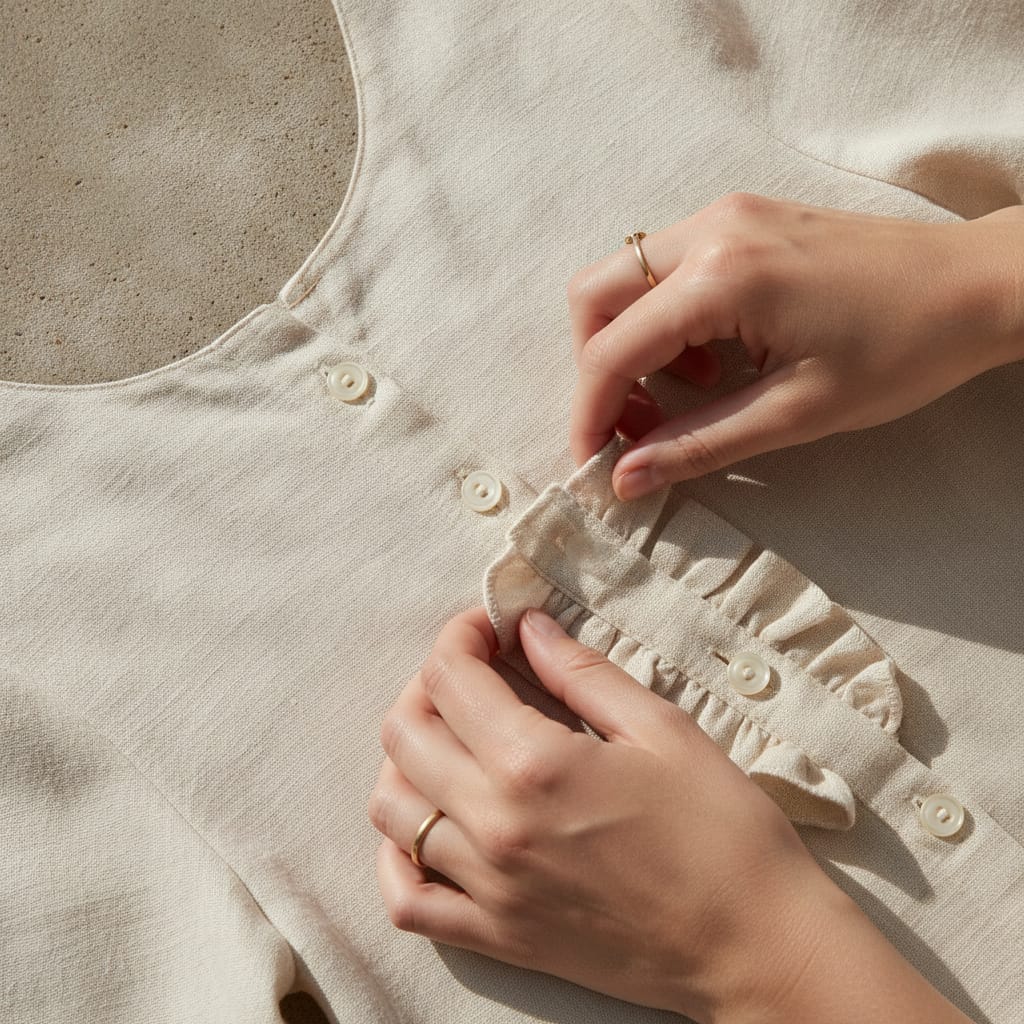
More complex pieces need extra attention. Sheer fabrics like chiffon or organza are harder to generate because the AI has to correctly interpret the layers and translucency. The same goes for garments with heavy prints, embroidery, or three-dimensional details like ruffles or frills.
Swimwear and underwear are a special category. Here, how something fits the body is especially important to the buying decision, and small inaccuracies in how the model is rendered can strongly affect the impression of the product. Always test categories like these with a small batch of products first.
Shoes, bags, and accessories fall outside the scope of clothing model photos, but they can be combined with a generated model photo as a styling element, depending on the platform you use.
How do you get started, step by step, with model photos of clothing without a model?
You start by providing a good product photo of the garment. Then you choose the desired model type and background, after which the AI generates the result. Most platforms require no technical knowledge and are accessible to webshop owners without a photography background.
The first step is preparing your product photos. Make sure they meet the quality requirements mentioned earlier: well lit, high resolution, garment fully in frame. This is the investment that makes the biggest difference to the quality of your final model photos of clothing without a model.
Next, on the platform, you select the model type that fits your target audience. Think gender, body type, and height. Some platforms also let you choose a specific pose or adjust the background to match your brand style.
After generating, it's worth reviewing the result critically before publishing it. Check the fit, the lighting, and any artifacts in the image. With us, you don't pay for an image that didn't turn out — the credit is refunded automatically.
If you want every image to show the same person instead of a different face each time, check out a consistent model for your webshop. That's the difference between a set of loose images and a collection that feels like a single shoot.
Creating model photos of clothing without a model: step by step
- Prepare the product photo. Photograph the garment on a ghost mannequin or hung neatly, against a white or light gray background. Ensure even lighting and a resolution of at least 1500 × 2000 pixels.
- Choose a platform or service. Pick an AI platform or service that specializes in model photos of clothing without a model. Check the quality beforehand using sample results.
- Select model type and background. Choose the model type that fits your target audience: gender, body type, height, and possibly pose. Select a background that matches your brand style.
- Generate and review the result. Let the AI generate the model photo. Review the result critically: does the fit look right, does the lighting look natural, are there any visible artifacts? Regenerate if needed.
- Publish to your webshop. Export the image in the right resolution and file size for your webshop. Add a descriptive alt text for search engine optimization.
- Generative AI models for image production, such as diffusion models, are capable of generating photorealistic images of people based on reference images. — MIT Technology Review
- Product pages with model photos generally convert better than pages with flat product photos only, because shoppers can better judge how a garment falls. — Baymard Institute
- As of August 2, 2026, the EU AI Act (Article 50) requires AI-generated images to carry machine-readable markings. — EU AI Act, Article 50
Frequently asked questions
Is it legal to use model photos of clothing without a model in my webshop?
Yes, but there's a new requirement as of August 2, 2026. The EU AI Act (Article 50) requires AI-generated images to carry machine-readable markings. With FashionPix, this happens automatically in every file, so you don't need to do anything for it. Beyond that, always check the license terms of the platform you use: you need rights to both the input photo and the output. Read more in the AI Act for webshops.
How long does it take to generate model photos of clothing without a model?
Processing time varies by platform and the complexity of the garment, but most services deliver a result within a few minutes of uploading the product photo. Larger batches can take longer.
Can I choose what the virtual model looks like for clothing model photos without a model?
That depends on the platform. Most specialized services offer a selection of model types based on gender, body type, and height. Some platforms give you more control over pose and facial features, others work with a fixed set of options.
What if the result doesn't look realistic?
The quality of the final result depends heavily on the input photo. Check that the product photo is well lit, high resolution, and shows the garment in full. A better input photo usually leads to a noticeably better result. You can also regenerate or pick a different model option — and you don't pay for an image that didn't turn out.
Read more
- Selling Bridal Wear
- How many product photos per product
- Product photo size for webshop
- Packshot or lifestyle
- Product fotografie kleding
- Foto's maken voor je webshop
- Kleding fotograferen voor je webshop
- Your own model
- FashionPix — The signature of your webshop
Ready to turn your product photos into model photos?
No shoot, no model, no hassle: upload one photo and see the result. Six images are free, no account and no credit card needed.