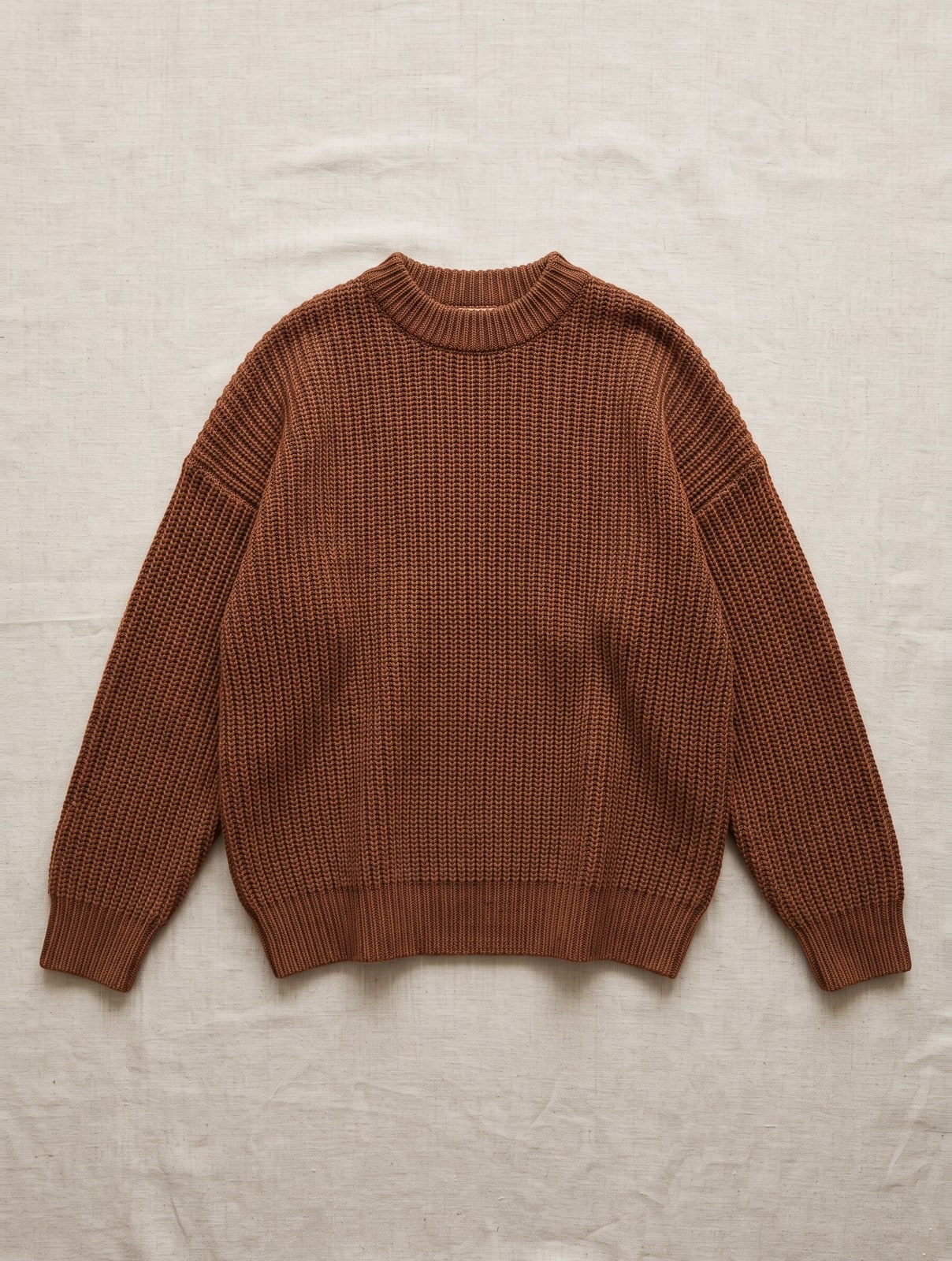
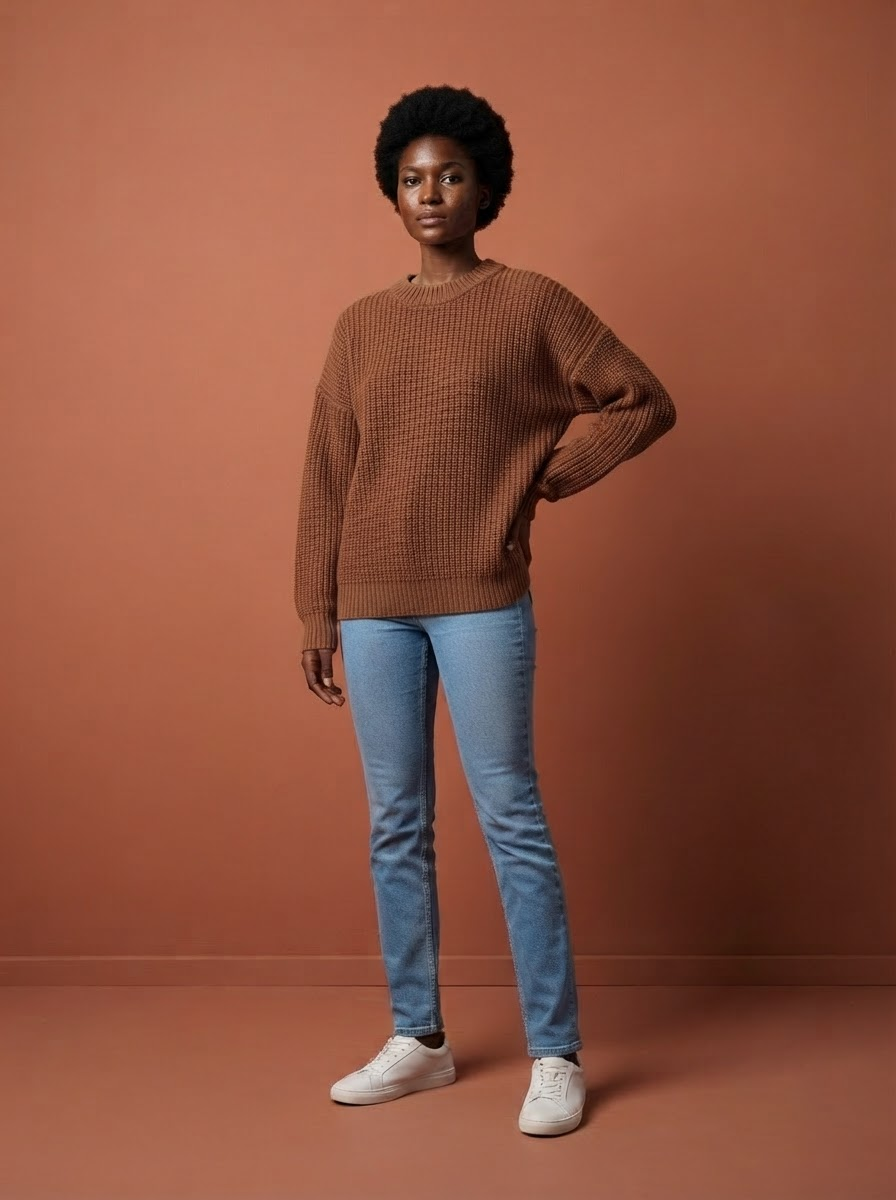
Where it goes wrong in practice
A store full of products without a model
A customer can't see how it falls. A model photo does show that, but a photoshoot per item isn't doable for a small store.
Copy you take over from the supplier
Ten other stores have it too. Google picks one, and it's usually not the smallest.
A tool that turns your store upside down
You want model photos added, not duplicate products or missing photos. An integration that leaves you cleaning up for an afternoon costs more than it brings in.
From scan to model photo on your product
Once installed, you have your store scanned; that's free. You see which products don't have a photo on a model yet and choose what gets made: one item, or a whole row on the production line. The images are made from the product photo already in your store, and go back to that same product.
- Model photos, a packshot on white and a detail photo, from the photo you already have
- Added to the same product, behind your own photo — which stays the main photo
- Your product name stays as it is, and also becomes the alt text of every photo
- Product copy you tick per language, in the languages your store has switched on
- You see what it costs before you start; credits only go when you press start
What you get per item
A photo tool gives you a picture you then have to upload yourself. Here the image lands on your product by itself, with the copy if you want it. What exactly comes out of one photo is covered in having product photos made for your webshop.
- 3 modelfoto’s — op je vaste gezichten, in hetzelfde licht en kader als de rest van je collectie
- 1 pakshot op zuiver wit — in de maten die marktplaatsen eisen
- 2 detailfoto’s — van stof en afwerking — de vragen die anders per e-mail binnenkomen
- Meta titel en meta omschrijving — wat er in het tabblad en in de zoekresultaten staat
- Korte en lange producttekst — de samenvatting boven de vouw en het volledige verhaal eronder
- Materiaal en wasvoorschrift — gescand van het waslabel — je hoeft niets over te typen
- Alt-teksten — wettelijk verplicht sinds juni 2026, en bij ons gratis
- Maatinfo — "Model is 1,78 m en draagt maat M" — de regel die retouren scheelt
- Alles in vier talen — Nederlands, Engels, Duits en Frans — de teksten kosten samen 1 credit
A product page you fill in entirely yourself easily takes half a day: shooting, cutting out, writing copy, uploading. With the app you pick the item from the scan, and a few minutes later the model photo is in your store.
How it gets into your Lightspeed store
You install once. After that you choose per item, or let the production line work through a row.
- Install the app — In your Lightspeed admin, go to Apps → App Store, search for FashionPix and click install. You land with us, log in or create a free account, and your store is connected. You don't need an API key. Every step is in the guide to the Lightspeed app.
- Have your store scanned — FashionPix finds the products without a model photo. Scanning is free and doesn't change anything in your store yet.
- Choose what gets made — One item, or many at once via the production line. You see in advance what it costs.
- The images land on your product — Behind your own photo, on the same product. Lightspeed allows ten photos per product. If a product is full, FashionPix tells you; you make room and try again.
- Prefer a file? — Still possible: download everything as CSV or XML, or put an item into your store as a new, hidden product.
Why photos and copy belong together
A buyer decides on the image, but Google reads the copy. When both come from the same recognition of the same item, they don't contradict each other: no "navy" in the text for a sweater that looks black in the photo. That's why you can tick the product copy for every item, per language of your store, for 1 credit in all languages. Tick nothing, and your own copy stays. How image and copy make a product page together is explained in model photos and product copy.
In three steps
- Install FashionPix. From the Lightspeed App Store, in a few clicks.
- Scan and choose. See which products don't have a model photo yet.
- Back in your store. On the same product, behind your own photo.
Photoshoot or the app
| Complete item | €60 – €100 per item | 5 credits, ± € 1.60 — with copy |
| Copy per item | outsourced separately | 1 credit, all your store's languages |
| Adding to Lightspeed | upload yourself per product | lands on the same product by itself |
| Your own product photo | you replace it yourself, or not | stays, as the main photo |
| Alt text | type it yourself | your product name, automatically |
Frequently asked questions
How do I get model photos into my Lightspeed store?
Install FashionPix via Apps → App Store in your Lightspeed admin. Have your store scanned, choose the products, and the model photos land on that same product.
Will my own product photo be replaced?
No. The new images are added, behind your own photo. Nothing is replaced or removed, and no copy of your product is created.
What if a product already has ten photos?
Lightspeed doesn't allow more. FashionPix then tells you the product is full. Remove an old photo and try again.
What does it cost?
The app is free. A model photo of clothing costs 1 credit; of shoes, bags, jewellery, watches and glasses 2 credits. A packshot 1 credit, copy 1 credit per item for all languages. Subscription: € 29 per month for 90 credits. One-off: € 19 for 50 credits; € 64 for 200 credits; € 160 for 500 credits. Excl. VAT.
Can I try it first?
Yes. Your first model photo is free, and you don't need an account for it. Create a free account afterwards and you get 12 credits as a gift.
Which language does the copy come in?
In the languages your store has switched on. You tick per language which ones you want.
What happens if I remove the app?
Then FashionPix immediately wipes its access to your store. The images already on your products simply stay there.
Read more
- Product photography for clothing
- Jewelry photography
- Clothing photography for your webshop
- Maternity Clothing Photography
- Moet je AI-foto’s melden? De AI Act uitgelegd
- The assembly line
- FashionPix — Product photos, video and copy for your fashion webshop
Try it with your own item
Your first model photo is free, no account and no credit card. You keep it, even if you take nothing else.