Maternity photography for your webshop: honest advice
FashionPix · Published 1 juni 2026 · Last updated 4 augustus 2026
Maternity photography shows maternity wear at its best — and that's exactly what shoppers need to make a decision. Whether you run a small fashion label or a growing webshop, good product photos of maternity fashion make a noticeable difference in conversion and return rates. Check out the approach for photographing maternity wear too.
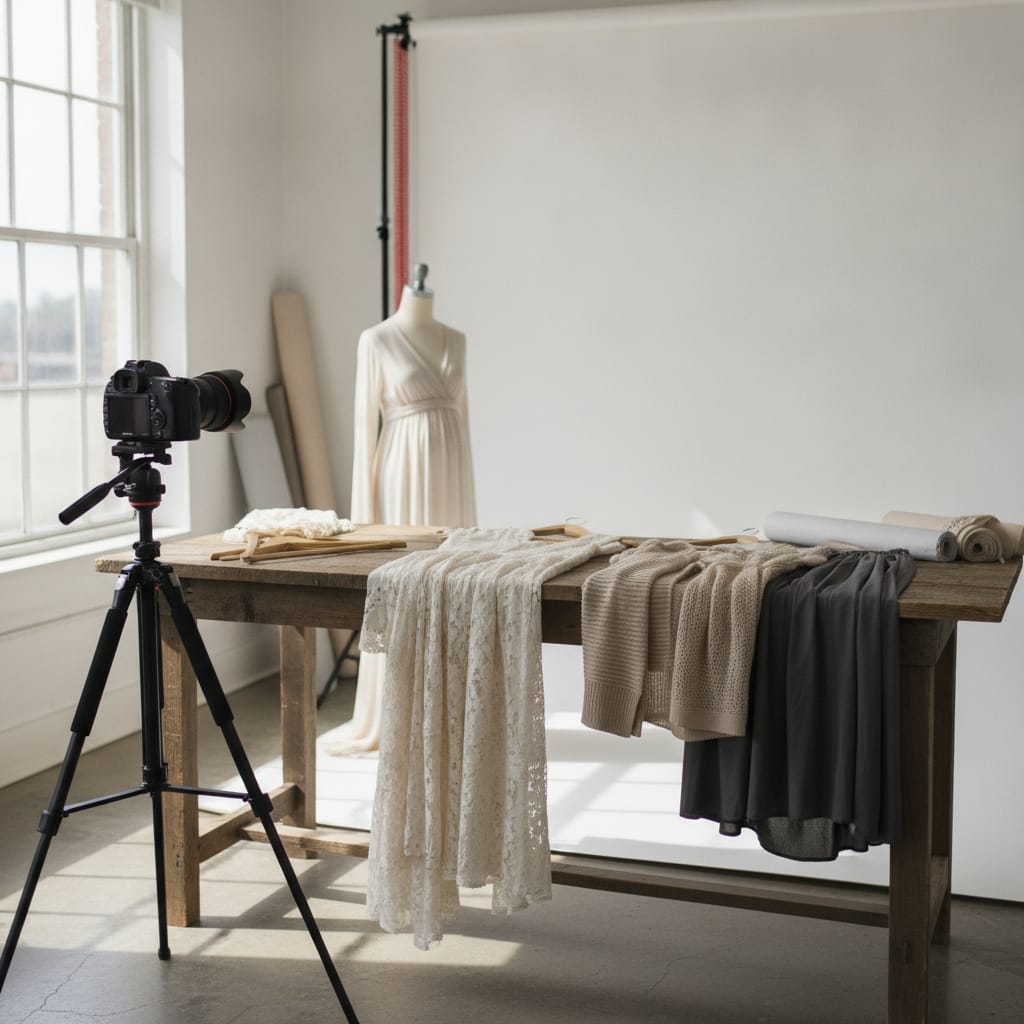
Everything about maternity photography for your webshop
- Maternity photography requires specific attention to fit, bump shape and wearing comfort — something you just don't get from a standard mannequin.
- Real models or a well-styled maternity mannequin give shoppers a realistic idea of how a garment fits during pregnancy.
- Consistent lighting and neutral backgrounds create a professional look without expensive studio costs.
- Product photos combined with strong SEO copy boost your visibility for search terms like 'maternity dress' or 'comfortable maternity trousers'.
- Tools like FashionPix let you create sales-ready photos and product descriptions from a single photo, without a photoshoot.
What makes maternity photography different from regular clothing photography?
Maternity photography isn't just about the garment itself — it's about how it fits on a changing body. Bump shape, stretch and wearing comfort are visual information shoppers need. That calls for different choices in styling, lighting and model selection than with regular fashion.
Maternity wear has a specific job: it needs to grow with the body, feel comfortable and still look put-together. That combination is exactly what you want your product photos to show. A photo of a garment lying flat or on a standard mannequin simply doesn't deliver that information.
Shoppers buying maternity wear ask different questions than with regular fashion: does the belly band fit well? Isn't the fabric too tight? Can I still wear this after giving birth? Good maternity photography answers those questions visually, before anyone even reads the product description.
That doesn't mean you necessarily need a professional photo studio. But it does mean you need to make deliberate choices about how you present the clothing.
Which model or mannequin works best?
For maternity photography, a pregnant model works best because it shows the true fit. If that's not an option, a maternity mannequin or a belly prosthetic is a solid alternative. Avoid a standard mannequin without a bump — it gives a distorted picture of how the garment actually fits.
A pregnant model gives the most honest representation of your product. Shoppers immediately see how the fabric moves, where the waistline sits and whether the garment is still wearable later in pregnancy. That trust translates into fewer returns.
Can't use a pregnant model? A maternity mannequin — one with a pronounced bump — is a practical solution. Just make sure the mannequin has a realistic silhouette matching roughly six to eight months of pregnancy, since that's when most shoppers are looking for clothing.
Another option is a belly prosthetic worn by a model. This gives more flexibility in posing and is easier to organize than a shoot with a pregnant model. Just make sure the prosthetic sits well and isn't visible through the fabric — that would undermine trust in your product.
Whatever you choose: consistency matters. Use the same mannequin or model across your whole collection so shoppers can compare products. Find out why that matters so much at using one consistent model for your webshop.
- Pregnant model: most realistic, but needs planning and budget
- Maternity mannequin: consistent and scalable, great for large collections
- Belly prosthetic on a model: flexible and cost-effective
- Standard mannequin: avoid this for maternity wear — it gives the wrong impression
How do you get the lighting and background right?
For maternity photography, a light, neutral background works best. White or light grey shows off the colours and textures of the garment well. Use diffused daylight or softboxes to avoid harsh shadows — they can make the bump look unnatural.
Lighting matters even more with maternity wear because you want to show the three-dimensional shape of the garment. Harsh, direct lighting can create shadows that distort the fit. Soft, even lighting — from two sides or through a large softbox — gives a more honest result.
A white background is the standard for webshop product photography, and that goes for maternity wear too. It keeps your shop consistent and makes it easier to edit photos or use them in ads. Read more about that at product photos on a white background. Want a warmer feel? Light beige or soft grey works well too.
Lifestyle photos — where the model is shown in a recognisable setting like a living room or garden — can be a nice addition to your product page. They add atmosphere and help shoppers picture themselves in the product. But always keep a neutral product photo too; it's essential for comparison sites and marketplaces.
Working with a home or office studio setup? A large white wall or a roll of photo paper is enough as a background. Invest in good lighting rather than an expensive location.
Which angles and poses work best for maternity wear?
For maternity photography, a front shot, a three-quarter view and a side view are the three most informative angles. The side view is unique to maternity wear: it shows the bump shape and fit exactly where shoppers are most curious.
Always start with a front shot: this is the standard product photo shoppers see first. Make sure the garment sits well and the colour is shown accurately. This is the photo that goes on your overview page.
Next, add a three-quarter view. This gives depth and shows how the garment sits in space. For dresses and tops, this is a particularly informative angle since you see both the front and the side.
The side view might be the single most important shot in maternity photography. It shows exactly how the fabric falls over the bump, whether there's enough room and whether the garment rides up. Many webshops skip this angle — and that's a missed opportunity.
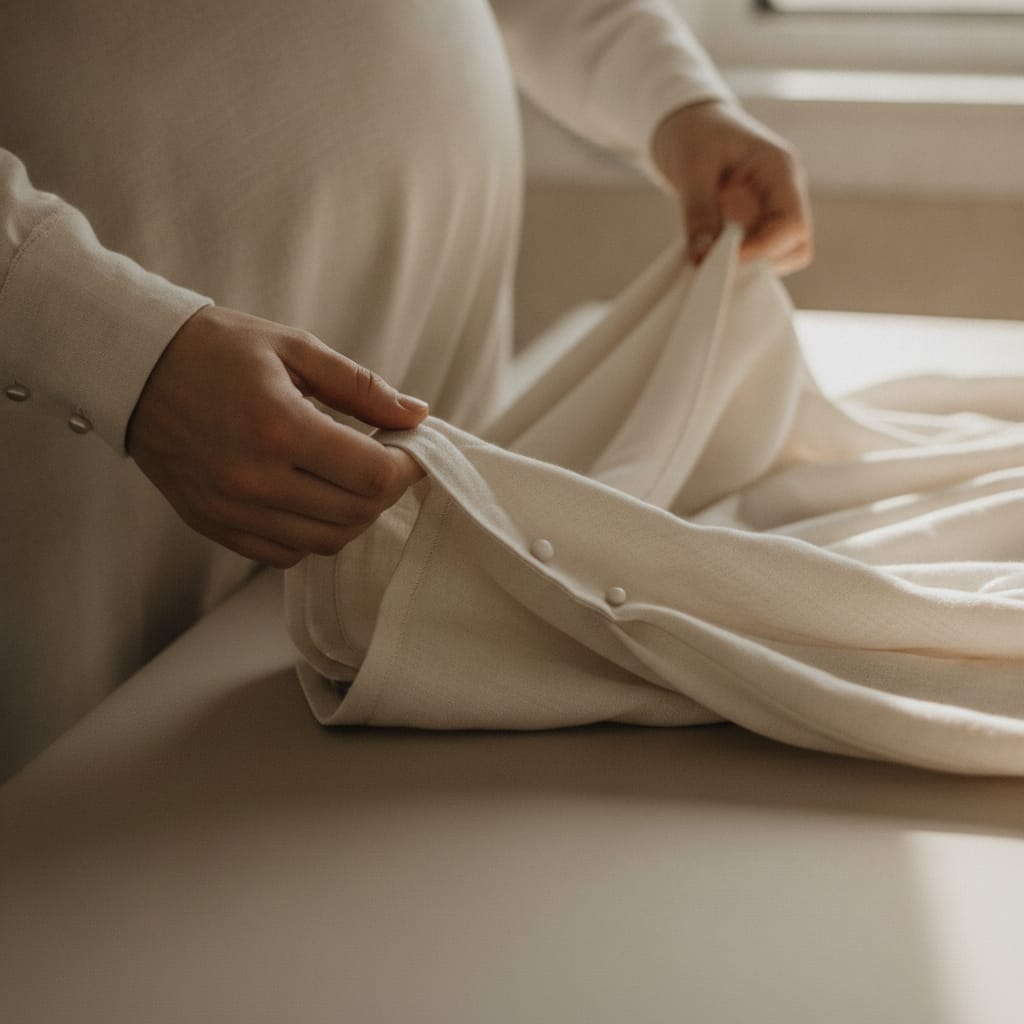
Detail shots of specific features — like an adjustable band, a zipper or a distinctive fabric texture — complete the set. Shoppers seriously considering a purchase want to see these details before deciding.
- Front: standard, always needed
- Three-quarter: adds depth and context
- Side view: unique to maternity, shows the bump
- Details: band, fabric, zipper — everything the shopper wants to know
How do you write good product copy for maternity photography?
Good product copy for maternity wear explicitly covers comfort, fit and fabric. Use search terms shoppers actually type in, like 'summer maternity dress' or 'stretchy maternity trousers'. Combine that with honest sizing and fit info, and you'll cut down on returns.
Photos grab attention, but copy seals the deal. That's especially true for maternity wear, since shoppers have specific questions that aren't always answered visually: is the fabric breathable? Can I wear this after giving birth? How does size M fit in the third trimester?
Write your product copy from the shopper's perspective. Start with the most important feature — comfort, style or versatility — and work towards the details from there. Avoid generic terms like 'high quality' or 'beautiful design'; they say nothing. Instead, write something like: 'The stretchy waistband adapts from month four through to after birth.'
For SEO, it pays to think about the search terms pregnant shoppers actually use. These are often combinations of product type and feature: 'comfortable maternity leggings', 'maternity dress for occasions', 'maternity blouse for work'. Work those terms naturally into your title, description and alt text.
Tools like FashionPix can help here: you upload your product photo and get back the meta fields, a short and a long product description in four languages, ready to tweak and use straight away. That saves time, especially with a larger collection.
Can you do maternity photography without an expensive photoshoot?
Yes, professional maternity photography is possible without a pricey photo studio or external photographer. A good smartphone, a neutral background, diffused light and a maternity mannequin will get you a long way. And if you don't want to build that setup at all, a single photo of the garment can be enough to build the model shots and copy from.
Many webshop owners assume good product photography automatically requires a big budget. That's not always true. The biggest gains come from consistency and lighting — two things you can arrange with relatively modest resources.
A decent smartphone with portrait mode, a white wall and two daylight lamps are enough for a solid product photo. You'll find how to approach that at photographing clothing with your phone.
Want it even simpler? FashionPix works differently: you upload a photo of your garment, and it builds a sales-ready product photo plus matching copy from that. No shoot involved, and you don't send anything in. That's especially handy if you regularly add new collections and don't want to organize a photoshoot every time.
It's not a replacement for a full lifestyle shoot if that's what you're after, but for standard webshop product photos it's a practical, cost-effective solution. Especially for smaller labels or new webshops that want to get their range online fast.
Creating maternity product photos in 5 steps
- Choose your model or mannequin. Use a pregnant model, a maternity mannequin or a belly prosthetic. Avoid a standard mannequin — it gives a wrong impression of the fit.
- Set your background and lighting. Use a white or light grey background and make sure lighting is soft and even. Two softboxes or large windows on either side work well.
- Shoot from multiple angles. Take at least three photos: front, three-quarter and a side view. Add detail shots of the band, fabric or other distinctive features.
- Edit the photos consistently. Correct the white balance, match the exposure and make sure all photos in your shop have the same look. Consistency builds trust.
- Write focused product copy. Describe comfort, fit and fabric explicitly. Use search terms that pregnant shoppers actually use. Tools like FashionPix can speed up this process.
- For online shoppers, product photos are the single biggest factor in the purchase decision — more so than product descriptions or reviews. — Nielsen Norman Group — Photos vs. descriptions
- In most European webshops, clothing has the highest return rate of any product category, partly due to unrealistic product photos. — Statista — E-commerce in Europe
- Products with multiple photos from different angles convert significantly better than products with just one photo. — Shopify — Product photography
Frequently asked questions
Do I need a pregnant model for maternity photography?
No, a pregnant model is ideal but not required. A maternity mannequin or a belly prosthetic on a model are good alternatives. Avoid a standard mannequin, as it doesn't give a realistic picture of how maternity wear fits.
How many photos do I need per product?
For maternity wear, at least three photos are recommended: a front shot, a three-quarter view and a side view. Add detail shots of distinctive features like an adjustable band or specific fabric. More photos generally lead to fewer returns.
Which search terms should I use in my product copy for maternity wear?
Think of combinations of product type and feature, such as 'stretchy maternity trousers', 'summer maternity dress' or 'comfortable maternity blouse for work'. Use the terms your target audience actually types into Google or on your webshop.
Can I do maternity photography myself without professional equipment?
Yes. A modern smartphone, a white background and good (day)light are enough for a professional look. The biggest gains come from consistency and lighting, not expensive cameras. Want to skip that setup entirely? One photo of the garment is enough to build the images from.
Read more
- Selling modest fashion
- Product photos for your webshop
- Model photos without a model
- Selling Bridal Wear
- Product fotografie kleding
- Your own model
- FashionPix — The signature of your webshop
Want to give it a try yourself?
One photo of your maternity item gets you the model shots, the pack shot and the copy — no shoot to plan. Six images are free, no account needed.