Increase Conversion Rate: Better Product Photos as Lever
FashionPix · Published 8 juli 2026 · Last updated 4 augustus 2026
Want to increase your webshop's conversion rate? Better product photos are the most direct thing you can do. Visitors can't feel or try on clothing — the photo is all they have. The stronger that image, the bigger the chance of a purchase.
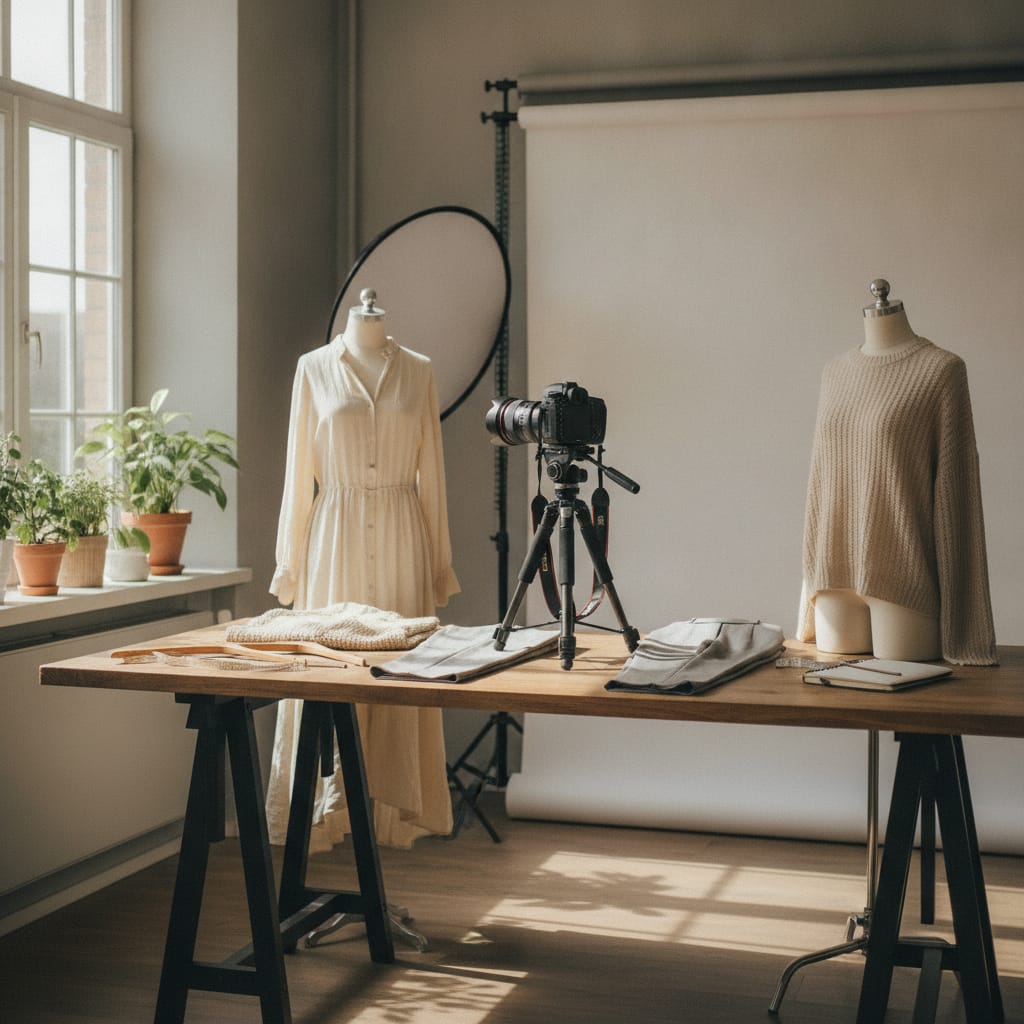
Increase conversion rate: why better product photos make the difference
- Better product photos are the fastest way for clothing webshops to increase conversion.
- On-model photos, detail shots and multiple angles do the most to lower the barrier to purchase.
- Consistent image quality across your whole range builds trust and lowers your return rate.
- Accurate colors and sharp detail shots prevent disappointment and unnecessary returns.
- A fixed, repeatable workflow enables fast turnaround without sacrificing quality.
Why are product photos so decisive for your conversion rate?
To increase your webshop's conversion rate, you first need to understand why visitors drop off. Poor or misleading product images are one of the most common reasons. Buying clothing online is a visual act: the photo replaces trying on, feeling and seeing a garment in real light.
Research from the Baymard Institute shows that insufficient product images are one of the most cited reasons shoppers don't complete a purchase. That's especially true for clothing, where fit, texture and color accuracy directly influence the buying decision.
It's not just about the quality of a single photo. Visitors want to see multiple angles, want to know how a garment falls on a body, and want to zoom in on details. A webshop that offers this reduces the uncertainty that's inherent to online shopping.
That reduced uncertainty has two measurable effects: higher conversion and a lower return rate. When a customer knows exactly what they're buying, there's less chance the product disappoints.
Which photo types help the most?
For clothing webshops, on-model photos generally perform better than standalone product shots. Detail shots, multiple angles and images that show fit lower the barrier to buy.
On-model photography gives the visitor a realistic sense of how a garment falls. People identify with a model and can more easily picture how it would look on themselves. That shortens the path to purchase.
Besides the standard front shot, side views, back views and close-ups of material and finish are valuable. Think of the stitching on a jacket, the texture of a knit sweater, or a belt buckle. Those details build trust and reduce doubt.
Lifestyle photography — showing clothing in a recognizable context — strengthens brand feel and helps the customer picture an outfit in their own life. This type of image works well on category pages, in campaigns and on social media. For how to build that kind of mood shot, see creating lookbook photos.
Consistency matters just as much as the quality of each individual photo. When all product photos share the same lighting, background and style, your webshop looks professional and trustworthy. Inconsistent images undermine trust, even when the individual photos are technically fine.
- On-model photos: show fit and wearability
- Multiple angles: front, side and back
- Detail shots: material, finish, closures
- Lifestyle images: context and brand feel
- Video: maximum product experience
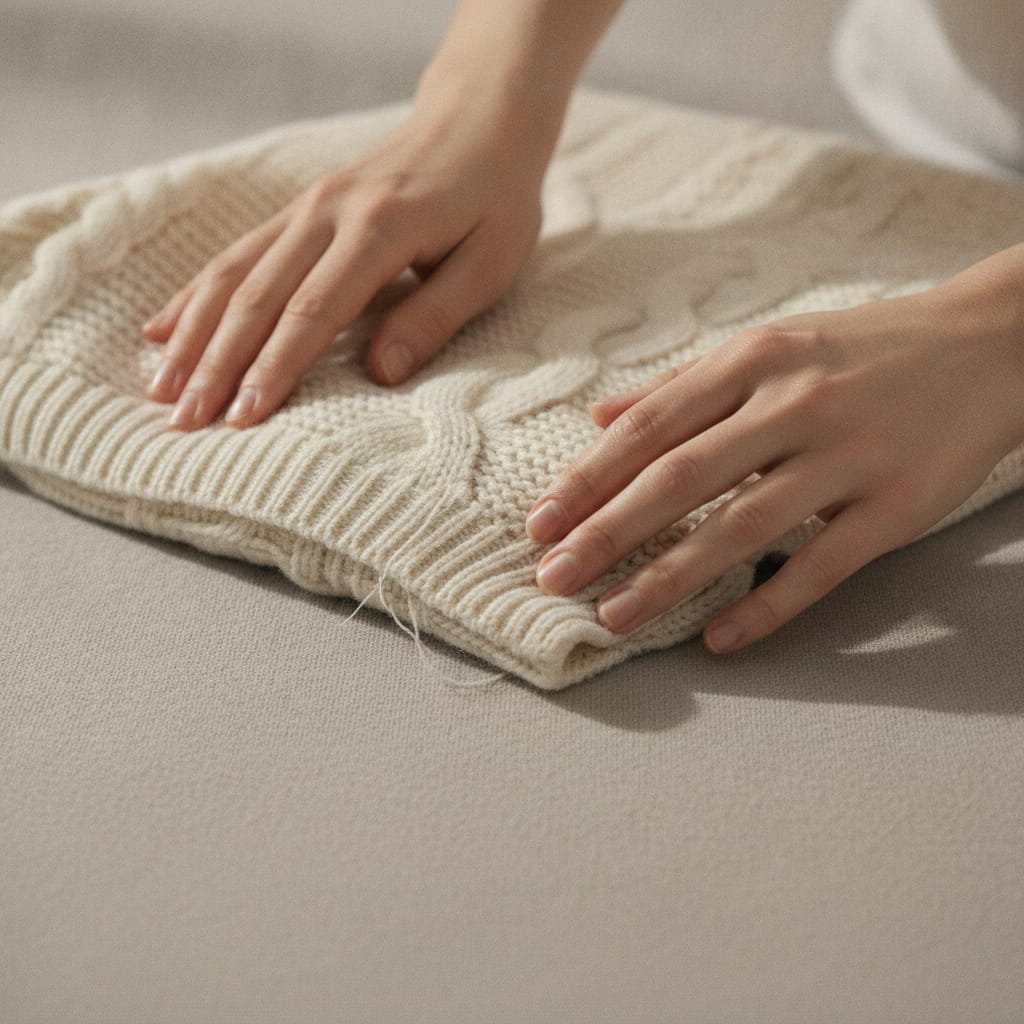
How do better product photos relate to your return rate?
A high return rate is one of the biggest cost drivers for clothing webshops. A significant portion of returns happen because the product doesn't match expectations. Better product photos that accurately show color, fit and material help manage those expectations and indirectly lower your costs too.
When a customer returns a garment because the color turns out different in real life than in the photo, or because the fit didn't match what the images suggested, that's a direct result of poor image quality. That costs money: shipping, processing time and sometimes a drop in product value.
Color accuracy is an underrated factor here. Many product photos are shot under lighting that distorts colors. A red sweater that looks orange in the photo, or a navy jacket that looks black — those are returns that could have been prevented.
Controlled lighting and color calibration ensure what the customer sees matches what they receive. That's not just good for conversion, but also for long-term customer satisfaction. Satisfied customers come back.
How does the speed of your photo production affect your growth?
A webshop that gets new collections online fast has a competitive edge. Slow photo production means products go live later, which directly costs revenue.
Many webshop owners recognize the problem: the collection is bought in, stock is ready, but the photos are still pending. Every day without a product page is a day without sales. Timing is especially critical for seasonal clothing.
A structured workflow with fixed processes — consistent lighting, consistent backgrounds, standardized post-processing — can handle large volumes of products quickly and consistently. That makes it possible to get a new collection fully photographed in a short time.
FashionPix Studio was built for exactly this: you upload one photo of the garment and get back model shots on a fixed face, a pack shot on white, and product copy — in the formats your webshop needs. No shoot to schedule, so no waiting time between buying in and publishing.
How do you get started, concretely?
Start with an audit of your current images: are they consistent, sharp and color-accurate? Then determine which photo types are missing. Prioritize the products that sell the most or have the highest margins, and work outward from there. A free scan of your existing images is available at improving product photos.
A full reshoot of your range doesn't have to happen all at once. Start with the products that draw the most traffic or have the highest revenue potential. Improved photos on those pages deliver the fastest results.
Set an image standard for your webshop: which background, which angles, which mood? That standard ensures consistency, even as you add new products in the future or work with a different photographer or studio.
Also look at your product pages as a whole. Photos are crucial, but they work together with product copy, size guides and reviews. A strong photo next to a vague description is a missed opportunity. Make sure all elements together give a complete and trustworthy picture.
- Audit your current images for consistency and quality
- Set an image standard for your webshop
- Prioritize products with high traffic or high margin
- Combine on-model shots with detail shots
- Make sure photos and product copy reinforce each other
Increasing conversion with better product photos: 5 steps
- Audit your current images. Critically review all product photos on your webshop: are they sharp, color-accurate and consistent? Note which products have poor or missing images.
- Set an image standard. Determine the fixed style for your webshop: background color, lighting, angles and mood. Document it so all future photos stay consistent.
- Prioritize your range. Start with the products that get the most traffic or have the highest revenue potential. That way you see results fast without having to refresh your entire range at once.
- Add missing photo types. Make sure you have on-model shots, multiple angles and detail shots of material and finish. These are the images that remove doubt.
- Measure the effect. Compare conversion and return rate for products before and after the new photos. That way you can see exactly what the improvement delivers.
- Insufficient product images are one of the most cited reasons online shoppers don't complete a purchase. — Baymard Institute – Product Page UX Research
- A large share of returns in online clothing can be traced back to a mismatch between expectations set by product images and the actual product. — Baymard Institute – E-Commerce Returns UX
Frequently asked questions
How many product photos per item do I need to increase conversion?
For clothing, four to six images per product is a good starting point: front, back, side, a detail shot and preferably an on-model shot. The more doubt a product raises, the more images you need to remove it.
Is a white background always the best choice?
A white or neutral background works well for consistency and readability on product pages. Lifestyle images with a fitting setting strengthen brand feel and work well in campaigns or on social media. A combination of both gives you the most flexibility.
Can I take better product photos myself, or do I need help?
With the right equipment, lighting and background, you can take reasonably good photos yourself. For large volumes of products, consistency across your whole range and on-model images, a standardized approach is more efficient and usually delivers better results.
How fast will I see results if I improve my product photos?
That depends on your range, your current image quality and how many products you refresh. Improved photos on high-traffic product pages can affect conversion relatively quickly. Keep track of your numbers to measure the difference.
Read more
- Editing clothing photos
- Product video for your webshop
- Bridal product descriptions
- WooCommerce vs Shopify
- Product fotografie kleding
- Model photos
- FashionPix — The signature of your webshop
Ready to increase your conversion rate with better product photos?
Whether you start with an audit of your current images or want better photos right away — the first step is understanding what you're missing. Six images are free, no account needed.